
A smarter everyday toolkit
Small tools.
Big time savings.
Free Use Tool brings calculators, converters, file utilities, developer tools, and practical productivity utilities into one focused workspace.
Featured tools
Start with the task. We’ll keep the interface out of your way.
What Is My ZIP Code?
Find your current ZIP code or postal code from your browser location, then inspect the result in Google Maps.
Open toolJWT Decoder & Inspector
Decode and inspect JWT headers, payload claims, timestamps, expiration status, and token structure directly in your browser.
Open toolWord Counter
Count words, characters, sentences, paragraphs, and estimated reading time while you write or edit text.
Open toolWhy Free Use Tool
Built around the little tasks that slow you down.
Most everyday digital work doesn’t need a complicated application. It needs the right utility, a clear interface, and a result you can use immediately.
Explore the toolkitFast task completion
Open a utility, provide the required input, and get to the result without a complicated workflow.
Interfaces that explain themselves
Controls, labels, feedback, and results are organized around the task instead of the software.
A growing utility layer
Calculators, converters, files, text, developer tools and other practical utilities can grow together in one place.
Designed to keep improving
FUT is a growing platform. New utilities, categories and refinements can be introduced without rebuilding the experience.
How it works
Three steps. One finished task.
Find the right utility, complete the task, and move on.
Choose
Browse the library or use categories to find a tool that matches what you need to do.
Work
Enter your information or upload the requested file and let the utility handle the task.
Use
Copy, save, download or continue with the result in your workflow.
Built for real work
Useful wherever small digital tasks happen.
Developers
Format data, inspect text, convert values and handle everyday development utilities without leaving the browser.
Students
Handle calculations, writing, conversions and document-related tasks from one practical toolkit.
Creators
Work with images, text, files and other quick utilities while creating and publishing content.
Everyday users
Solve the occasional digital problem without installing a separate application for a one-off task.
From the blog
Practical guides for getting more done.
 Read
Read
What Is the Best AI Image Generator in 2026? A Practical Guide
What is the best AI image generator in 2026? Explore popular AI image tools, free generators, image editors, prompting tips, and how to choose the right tool.
 Read
Read
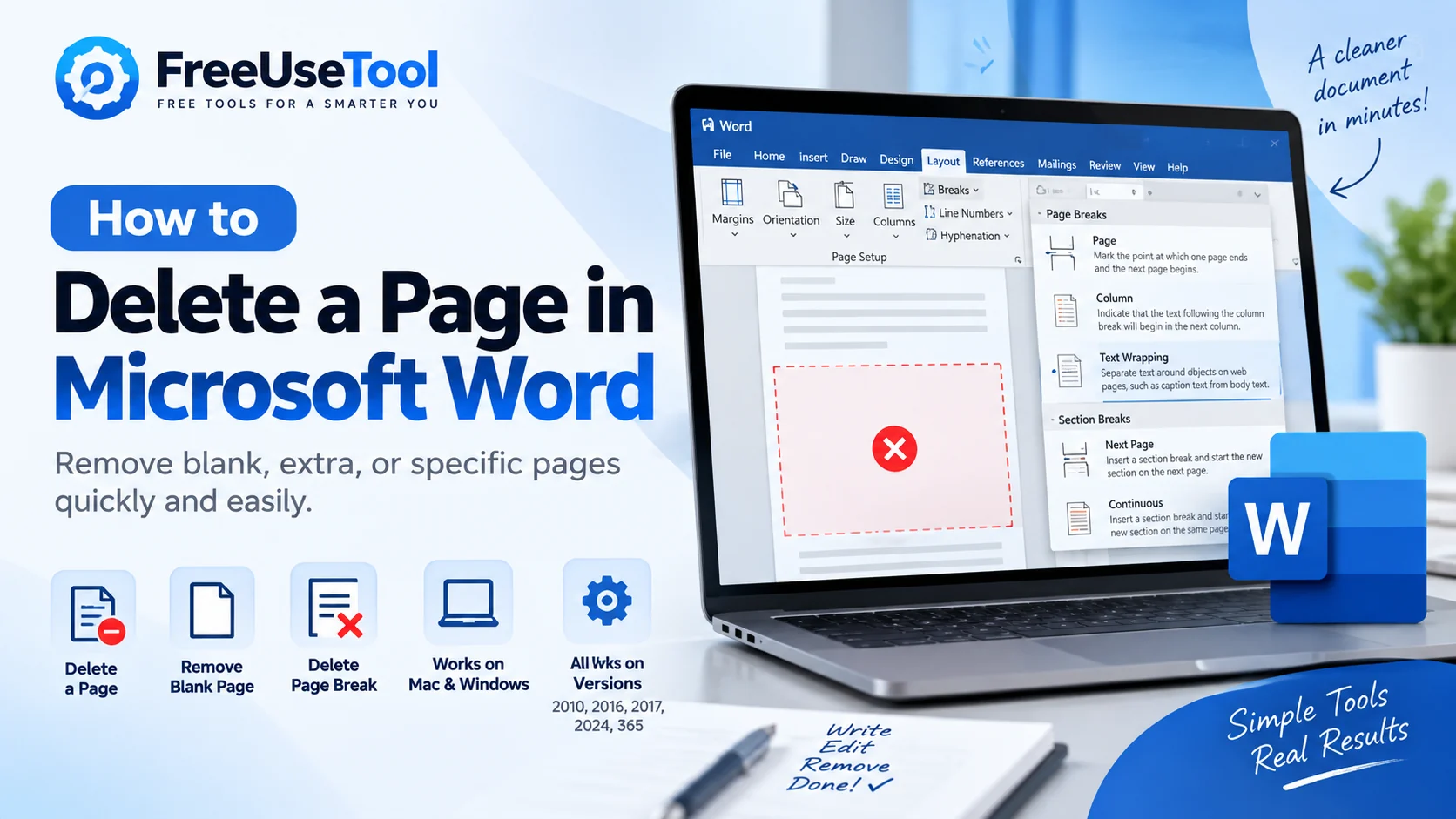
How to Delete a Page in Microsoft Word (Blank, Extra & Specific Pages)
how to delete a blank page in Microsoft Word, how to delete a specific page in Microsoft Word, how to delete a page break in Microsoft Word, how to delete a whole page in Microsoft Word, how to delete a page in Microsoft Word on Mac, how to delete a page in Microsoft Word 365, how to delete a page in Microsoft Word 2024
 Read
Read
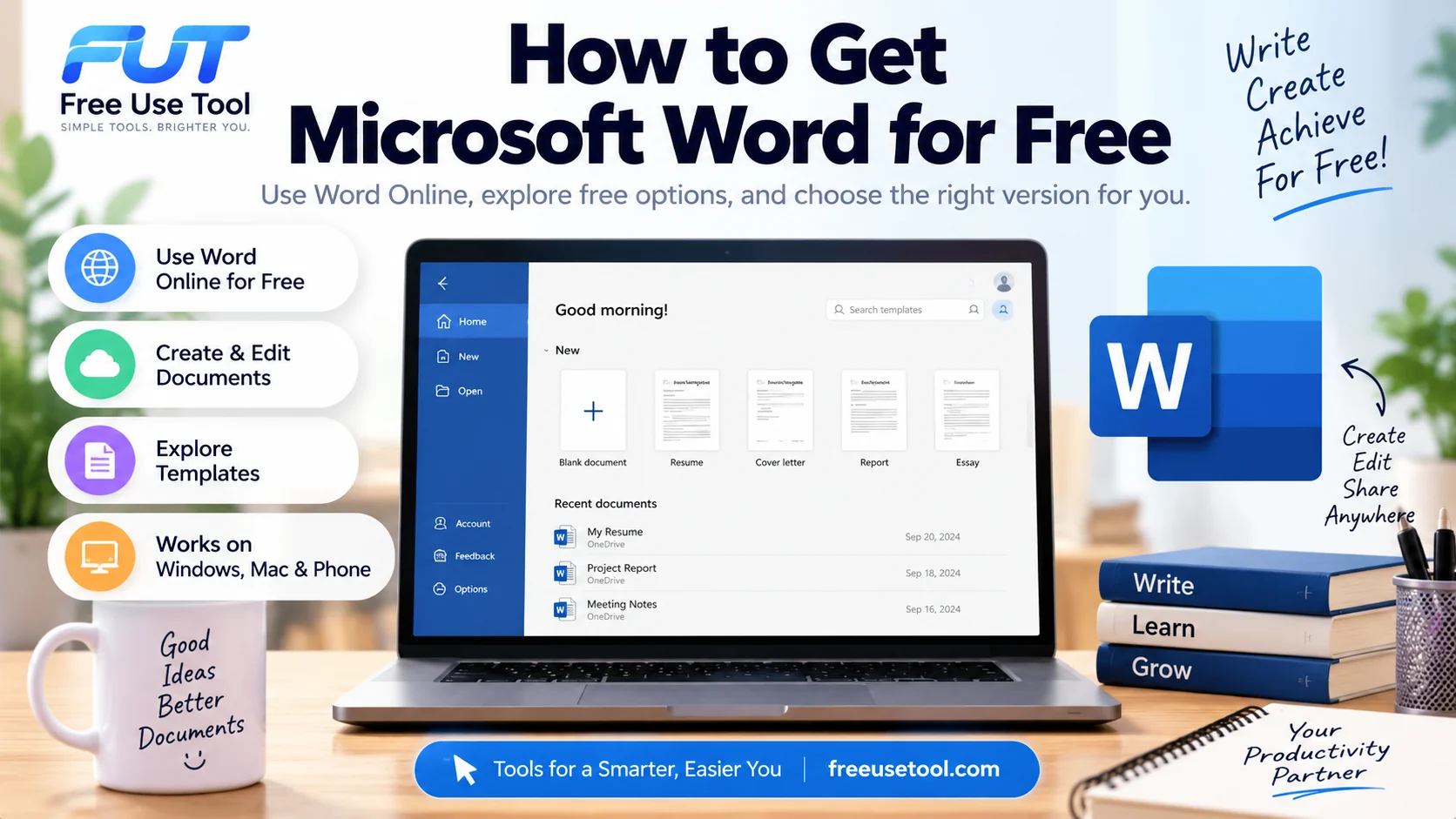
How to Get Microsoft Word for Free (Free Microsoft Word Guide)
Learn how to get Microsoft Word for free, use Microsoft Word online, and create and edit documents without paying for the desktop version. This guide explains free Microsoft Word options and how to use Word for free.
Your next small task
Find the utility. Finish the work.
Explore the Free Use Tool library and turn the next digital annoyance into a two-minute task.