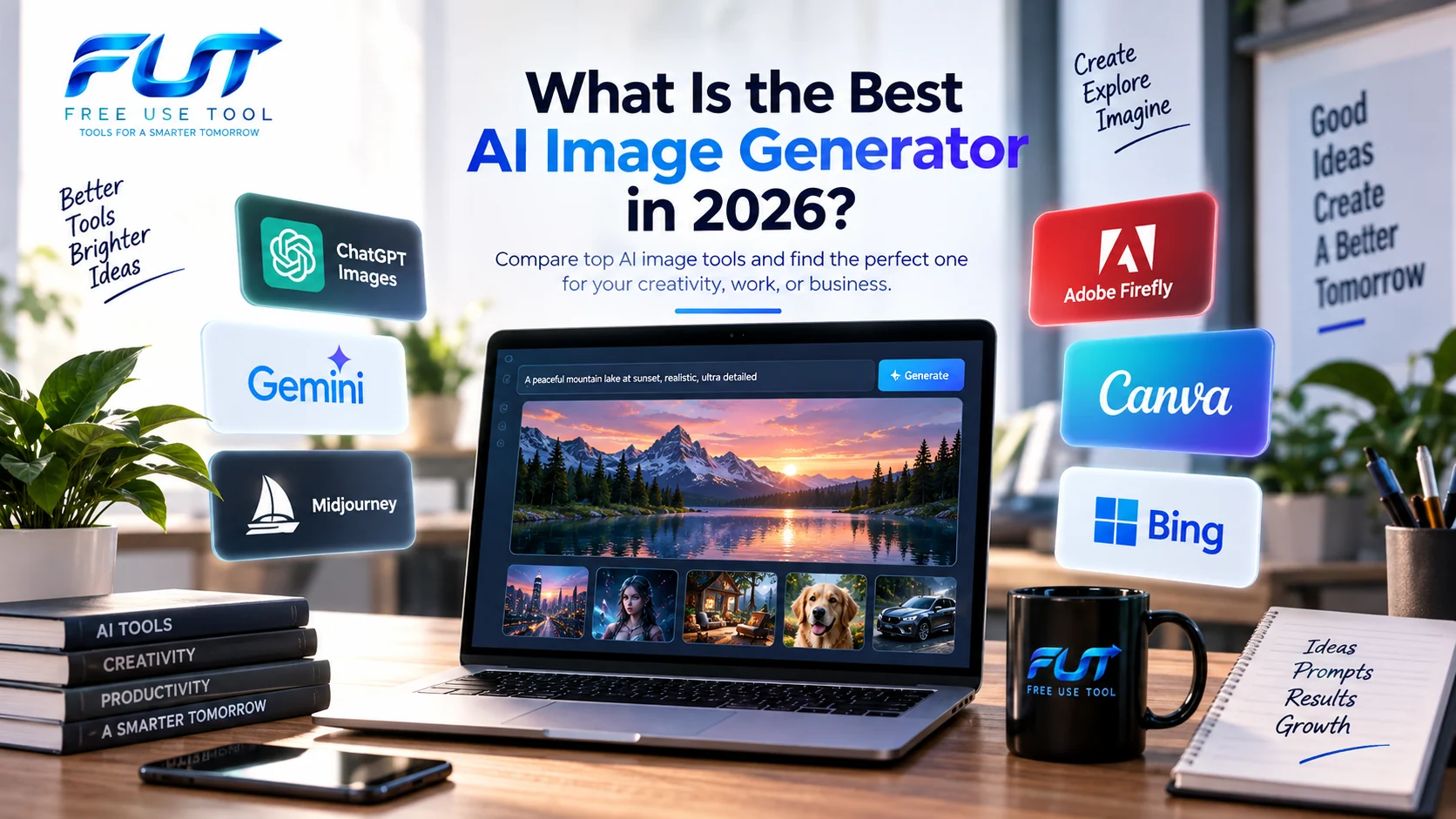
If you have searched for what is the best AI image generator, you have probably noticed that there is no shortage of options. New AI image tools appear regularly, existing models receive major updates, and a tool that was popular a few months ago may now have very different capabilities.
The good news is that you no longer need professional design skills to create useful images. An AI image generator can turn a simple text description into an illustration, product concept, social media graphic, realistic scene, poster, character, or completely new visual idea.
But choosing the right tool is not simply about finding the most impressive-looking image. You also need to consider prompt understanding, editing, image quality, text rendering, consistency, speed, available controls, cost, commercial use, and whether you need text-to-image or image-to-image generation.
In this guide, we will look at the current AI image-generation landscape, explain what makes a good generator, compare popular options by use case, and show you how to get better results from your prompts.
What Is the Best AI Image Generator in 2026?
There is no single AI image generator that is perfect for every person and every project. The answer depends on what you want to create.
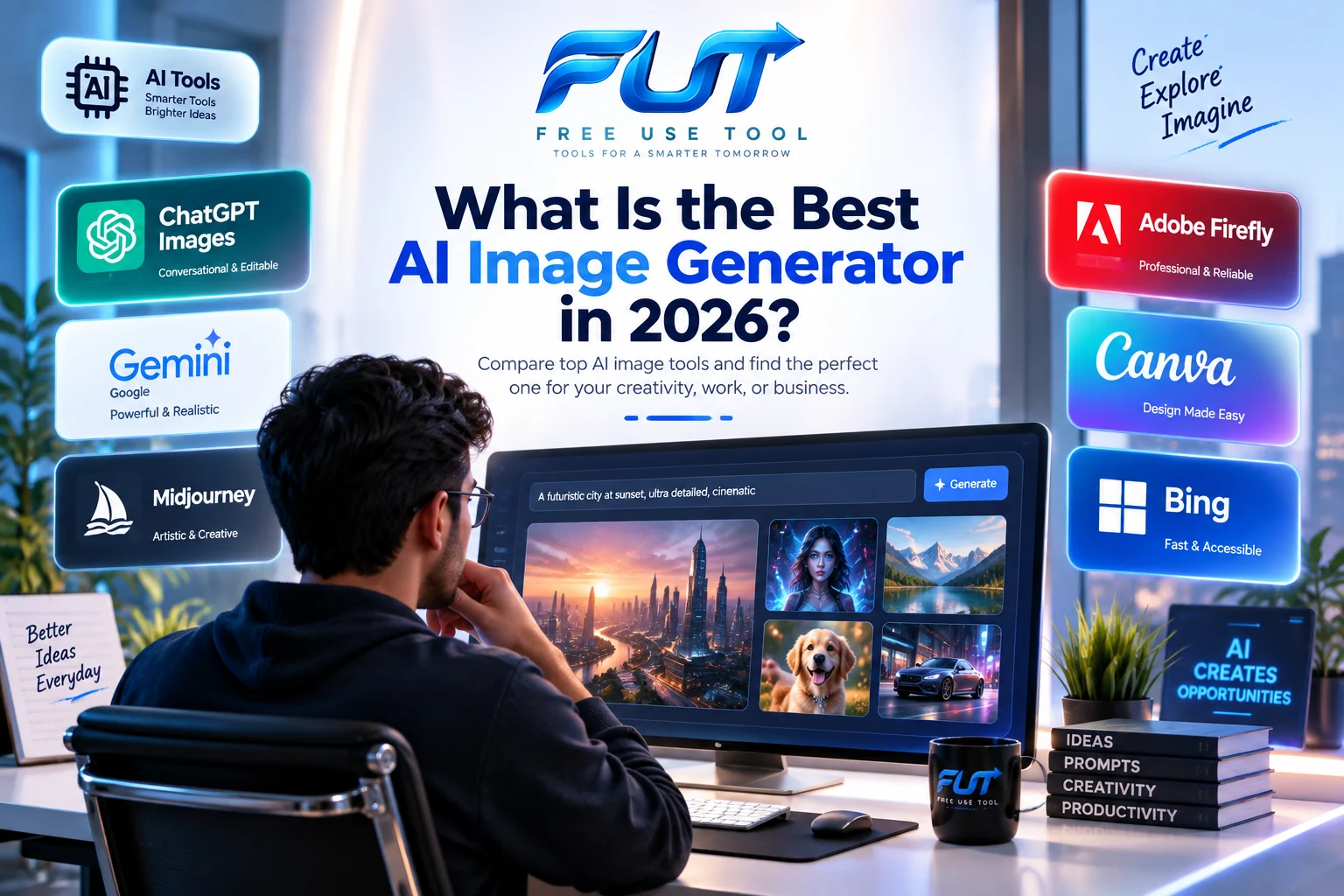
For example, someone who wants conversational creation and precise editing may prefer ChatGPT Images. Someone interested in Google's ecosystem may want to explore Gemini's image-generation models. Designers who want strong artistic control may look at Midjourney, while people already working inside Adobe's ecosystem may prefer Firefly. Canva is useful when image generation needs to be combined with a broader design workflow.
The important question is therefore not only "what is the best AI image generator?" but also: What do I want to create, how much control do I need, and what workflow do I already use?
Popular AI Image Generators to Consider
The AI image-generation market has changed significantly. Modern tools can create images from text, transform existing images, preserve subjects across edits, generate different aspect ratios, and in some cases produce images containing readable text.
ChatGPT Images
ChatGPT Images is designed around a conversational workflow. Instead of learning a complicated interface first, you can describe what you want, inspect the result, and then ask for changes.
OpenAI's September 2026 announcement for ChatGPT Images 2.5 describes improvements in image fidelity, precise editing, multi-turn consistency, visual instruction following, and generation speed. It also introduced features such as Sketch and templates for common creative formats.
This makes a conversational AI image editor particularly useful when your first result is close to what you want but still needs several changes.
Learn more about ChatGPT Images 2.5 from OpenAI.
Google Gemini and Imagen
Google has also invested heavily in image generation. Imagen 4 focuses on image quality, detail, typography, different visual styles, and images up to 2K resolution.
Google's newer Nano Banana 2 model, also known as Gemini 3.1 Flash Image, focuses on fast generation and editing while adding capabilities such as subject consistency, detailed instruction following, text rendering, multiple aspect ratios, and high-resolution output.
This is particularly interesting for people searching for a Google AI image generator because Google's image-generation technology is becoming increasingly connected with the wider Gemini ecosystem.
Explore Google's official Imagen information.
Midjourney
Midjourney remains an important name in AI-generated artwork and visual experimentation. Its current documentation lists V8.2 as the default version, with improvements focused on aesthetics, image quality, personalization, and editing.
Midjourney can be attractive to creators who care heavily about visual style, artistic direction, mood, composition, and experimentation. Its editing model also supports more advanced workflows involving reference images and targeted changes.
Because Midjourney changes quickly, always check its current documentation before relying on an older tutorial or prompt guide.
Adobe Firefly
Adobe Firefly is aimed strongly at creative and design workflows. Its AI image generator can create images from text prompts and provides controls for different visual styles and creative directions.
Firefly is especially relevant for users who already work with Adobe's creative tools and want AI generation to become part of an established design workflow.
Adobe also explains its approach to training Firefly models, including the use of licensed content and public-domain material for its models. However, users should still check the current terms and applicable copyright rules before using generated content commercially.
Canva AI Image Generator
Canva is another practical option for people who do not want an image-generation tool to exist separately from their design workflow. Canva's Magic Media can generate images from descriptions and then place those visuals directly into designs.
This makes a Canva AI image generator useful for presentations, social media posts, marketing graphics, posters, thumbnails, and other designs where the generated image is only one part of the final project.
Bing AI Image Generator
Microsoft's Bing Image Creator is another accessible option for people searching for a Bing AI image generator. The current interface supports text prompts, image uploads, different aspect ratios, multiple image-generation models, and image transformation features.
Microsoft also offers free access with usage limits and additional capabilities for signed-in users, although availability, limits, and models can change over time.
AI Image Generator vs AI Image Editor
These terms are often confused, but they describe slightly different workflows.
An AI image generator usually creates a new image from a text description. For example, you might write:
Create a realistic modern office overlooking Karachi at sunset, cinematic lighting, wide-angle photography, clean professional interior.
An AI image editor, on the other hand, starts with an existing image and changes it. You might ask the tool to remove an object, change the background, modify the lighting, replace clothing, expand the image, or alter a specific area.
Many modern tools now combine both workflows. This is one reason the line between an AI image creator, AI image editor, and AI image generator is becoming less clear.
What Makes a Good AI Image Generator?
If you are trying to decide what is a good AI image generator, look beyond the first impressive demo. A useful tool should perform reliably across the tasks you actually care about.
1. Prompt Understanding
The generator should understand the relationship between objects, actions, locations, styles, lighting, composition, and other instructions.
2. Image Quality
Look for sharp details, natural lighting, realistic textures, coherent objects, and clean compositions. The quality needed for a social media post is different from the quality needed for a large marketing asset.
3. Text Rendering
If you need posters, advertisements, signs, infographics, thumbnails, or packaging concepts, the model's ability to render readable text matters.
4. Editing
A good AI image editor should let you make targeted changes without destroying the parts of the image that were already correct.
5. Consistency
Character and object consistency become important when you are creating multiple images for a story, campaign, product, or brand.
6. Speed
If you generate dozens of concepts every day, generation speed can have a major impact on your workflow.
7. Cost and Access
Some tools provide free generations with limits, while others use subscriptions, credits, or API pricing. Always check the current pricing before choosing a tool for a professional project.
What Is the Best Free AI Image Generator?
If your main concern is cost, you will probably search for the best free AI image generator or an AI image generator for free.
Free options can be useful for learning, experimenting, creating occasional graphics, and testing prompts. However, "free" does not necessarily mean unlimited. A free AI image generator may have daily limits, slower generation, fewer models, watermarks, reduced resolution, or restricted features.
Microsoft Bing Image Creator, Canva's AI features, Gemini, and other platforms may offer free access in some form, but availability and limits can change. Check the current terms of the specific service before planning a large production workflow around a free tier.
This is also why searches such as AI image generator free, best free AI image generator, free AI image generator, and AI image generator for free can have different answers depending on the user's location, account type, and required features.
Can You Use an AI Image Generator Without Signing Up?
Some users specifically search for an AI image generator free no sign up or AI image generator no sign up. These services can be convenient because you can start experimenting immediately.
However, there is an important trade-off. No-sign-up services may offer fewer controls, limited storage, stricter usage limits, or less information about how your uploaded images are handled.
If you upload private photographs, business documents, product designs, or other sensitive material, read the service's privacy information before uploading anything.
What About an AI Image Generator With No Restrictions?
Searches such as AI image generator no restrictions, unrestricted AI image generator, and which AI image generator has no restrictions? appear frequently because users want fewer limitations.
In practice, reputable image-generation platforms generally have safety systems and content rules. A service advertising itself as an "unrestricted AI image generator" should therefore be examined carefully rather than selected simply because it promises fewer restrictions.
The exact rules vary between providers and can change. The safest approach is to read the current acceptable-use and content policies of the platform you plan to use.
You may also encounter the search phrase AI image generator NSFW. Adult or sexually explicit image generation is subject to the policies of individual services, and those policies can differ significantly. Users should check the provider's current rules instead of assuming that a particular tool allows a certain category of content.
AI Image Generator From Text vs From an Image
There are two major workflows: text-to-image and image-to-image.
AI Image Generator From Text
An AI image generator from text starts with a written prompt. You describe the subject, environment, composition, lighting, style, and other details.
For example:
A futuristic software engineering workspace at night, large monitors showing code, subtle cyan lighting, realistic photography, premium technology office, wide cinematic composition.
AI Image Generator From Image
An AI image generator from image starts with an existing visual. The AI may then change its style, background, composition, lighting, clothing, objects, or other elements.
This workflow is particularly useful when you already have a rough concept but want to transform it into a polished visual.
What Is the Best AI Image Generator From Image?
The answer depends heavily on the type of transformation you need. For example, a simple style change is different from replacing a product background or maintaining the same character across ten scenes.
Modern systems are increasingly designed around reference images and conversational editing. This means you can start with an existing image, make one change, inspect the result, and continue refining it.
If image editing is your main requirement, test the same source image across several platforms instead of judging them only from promotional examples.
How to Write AI Image Generation Prompts
Knowing how to write AI image generation prompts is often more important than simply choosing another tool.
A useful prompt can contain several layers:
- Subject: What should appear in the image?
- Action: What is happening?
- Environment: Where is the scene?
- Composition: How should the image be framed?
- Lighting: What kind of lighting should be used?
- Style: Photorealistic, cinematic, illustration, 3D, watercolor, and so on.
- Details: Materials, colors, textures, clothing, objects, and atmosphere.
- Output requirements: Aspect ratio, background, resolution, or layout.
Instead of writing:
Make a nice technology image.
try:
Create a premium editorial image of a software engineer working at a modern desk with multiple monitors, clean code visible on the screens, soft evening window light, deep navy interior, subtle cyan accents, realistic photography, shallow depth of field, professional technology magazine style, 16:9 composition.
The second prompt gives the model much more useful information.
What Is the Best AI Image Model Today?
The answer changes quickly because AI image models are updated frequently. In 2026, major platforms have continued improving image quality, editing, prompt following, typography, consistency, and generation speed.
For example, OpenAI announced ChatGPT Images 2.5 in September 2026 with improvements to image fidelity, editing precision, multi-turn consistency, and speed. Google's current image-generation ecosystem includes Imagen 4 and Nano Banana 2, while Midjourney's documentation identifies V8.2 as its current default version.
Because these models evolve quickly, an article that simply declares one permanent winner can become outdated. A better approach is to match the model to the task.
AI Image Generator vs AI Image Creator vs AI Image Maker
You may see several different terms when searching online:
- AI image generator — creates images from prompts or other inputs.
- AI image creator — often used as a broader marketing term for image-generation software.
- AI image maker — another informal term for an image-generation tool.
- AI image editor — focuses more heavily on changing existing images.
- AI image enhancer — improves aspects such as resolution, sharpness, or visual quality.
- AI image upscaler — increases image resolution while attempting to preserve or reconstruct detail.
These categories overlap. A modern platform may provide all of them inside one application.
What Is the Best AI Image Changer?
If your search is specifically what's the best AI image changer?, focus on editing accuracy rather than generation quality alone.
A good image-changing workflow should allow you to explain exactly what should change while preserving everything else. For example, you might want to replace a background without changing a person's appearance, or change the color of a product without changing its shape.
This is where modern multi-turn editing systems are becoming especially useful.
How Does AI Generate an Image From a Prompt?
At a high level, generative image models learn relationships between visual patterns and their associated data during training. When you provide a prompt, the model uses that learned representation to construct an image that matches the requested concepts.
The exact architecture varies between systems, and modern image generators can combine different techniques for understanding text, images, structure, and visual context.
This is why a prompt such as "a red sports car" can produce a completely new image rather than simply searching an existing image database.
How Does AI Generate a Video From an Image?
Another increasingly common search is how does AI generate a video from image.
Image-to-video systems use an existing image as a visual starting point and generate motion around the elements in that image. Depending on the model, the system may create camera movement, object movement, facial motion, environmental effects, or transitions.
This technology is developing rapidly, and image generation is increasingly becoming part of larger generative-media workflows rather than a standalone process.
How to Tell If an Image Is AI Generated
Searches such as is this image AI, is this AI image, is this image AI generated, is this AI generated image, and how to tell if an image is AI generated have become increasingly common.
Unfortunately, there is no universal visual trick that can identify every AI-generated image with certainty.
Some clues can include unusual hands, inconsistent reflections, strange text, impossible object structures, repeated patterns, unnatural shadows, or details that change unexpectedly across the image. However, modern generators are getting better, so visual inspection alone is not always reliable.
AI image detectors can also produce false positives and false negatives. Therefore, a detector result should be treated as evidence rather than absolute proof.
What Is a Simple AI Image Editor for Creators?
If you are a creator rather than a professional designer, simplicity can matter more than having hundreds of controls.
A simple AI image editor should let you upload an image, describe the change you want, review the result, and make another adjustment without forcing you to learn a complicated technical workflow.
For social media creators, bloggers, students, freelancers, and small businesses, this can be enough for tasks such as removing distractions, changing backgrounds, generating thumbnails, creating illustrations, and preparing marketing visuals.
AI Image Generators for Different Users
For Bloggers
Bloggers often need featured images, illustrations, diagrams, and social media graphics. The ability to generate a consistent visual style can be more useful than maximum artistic experimentation.
You can also use our Word Counter when preparing long-form content and checking article length.
For Developers
Developers may use AI image tools for UI mockups, landing-page concepts, product illustrations, documentation graphics, and marketing assets.
If you are building web applications, our JWT Decoder is another useful developer utility worth keeping in your toolkit.
For Location-Based Projects
If your project involves addresses or geographic information, you may also find our What Is My ZIP Code? tool useful.
For Microsoft Word Users
AI-generated images are increasingly useful inside documents, reports, presentations, and educational material. If you are working with Microsoft Word, you may also want to read our guide on how to get Microsoft Word for free.
For SEO and Web Publishers
If you publish articles, remember that an AI-generated image is not automatically optimized for search engines. Give it a descriptive filename, useful alternative text, appropriate dimensions, and a compressed file size.
You can also explore our URL Encoder and Decoder guide when working with URLs and web publishing.
What Is the Best Free AI Image Generator With No Sign-Up?
This is one of the most specific variations of the search query, and it combines several requirements: free access, image generation, and no account creation.
The problem is that these conditions often come with trade-offs. A service may allow limited guest generations but require an account for additional models. Another may provide free access but restrict resolution or editing.
Therefore, before choosing a tool based on the phrase AI image generator free no sign up, check what "free" actually includes and whether your desired features are available without an account.
Freepik AI Image Generator and Other Specialized Tools
Searches for the Freepik AI image generator also show how users are increasingly looking for image generation inside broader creative platforms rather than isolated AI websites.
This trend matters because the future of image creation is not only about generating a picture. Users increasingly want to generate, edit, upscale, remove backgrounds, add text, resize, organize, and publish the final asset in one workflow.
AI Image Enhancer and AI Image Upscaler
Not every image problem requires generating a new picture.
An AI image enhancer can be useful when an existing image has poor detail, noise, softness, or other quality issues. An AI image upscaler focuses more specifically on increasing the image's resolution.
For example, if you already have a good product photograph but it is too small for a website banner, an upscaling workflow may make more sense than generating an entirely new product image.
How to Choose the Right AI Image Generator
Instead of asking only which AI image generator is the best, use this simple checklist:
- Define the output: photo, illustration, logo concept, poster, product image, thumbnail, or artwork.
- Choose text-to-image or image-to-image: Decide whether you are starting from words or an existing visual.
- Check editing: Make sure the tool can make the type of changes you need.
- Check consistency: Important for characters, products, and brand assets.
- Check text rendering: Essential for posters, advertisements, and infographics.
- Check resolution: Social media and print projects can have different requirements.
- Check pricing: Look at credits, subscriptions, free limits, and API costs.
- Check usage rights: Especially for commercial work.
- Check privacy: Important when uploading personal or confidential images.
- Test before committing: Run the same prompt through several tools and compare the actual results.
Common Mistakes When Using AI Image Generators
- Using extremely vague prompts.
- Adding too many unrelated instructions.
- Expecting every generated image to be perfect on the first attempt.
- Ignoring aspect ratio and resolution.
- Using AI-generated text without checking spelling.
- Uploading sensitive images without checking privacy policies.
- Assuming "AI-generated" automatically means commercially safe.
- Using a detector as absolute proof that an image is or is not AI-generated.
- Choosing a tool only because it offers a free tier.
- Following outdated tutorials without checking the tool's current version.
Frequently Asked Questions
What is the best AI image generator?
There is no single choice that fits every use case. ChatGPT Images, Gemini and Google's image models, Midjourney, Adobe Firefly, Canva, and Bing Image Creator all approach image creation differently. Your requirements should determine which tool you test first.
What is a good AI image generator?
A good AI image generator should understand detailed prompts, create coherent images, provide useful editing controls, and offer output quality appropriate for your project.
What is the best free AI image generator?
Free availability changes frequently. Compare the current free limits, resolution, model access, generation speed, editing features, and usage rights before choosing one.
Is there a free AI image generator?
Yes. Several major platforms provide some form of free image generation, although the number of generations and available features may be limited.
Which AI image generator has no restrictions?
Reputable services generally have content and safety policies, so you should not assume that any mainstream generator is completely unrestricted. Always read the provider's current rules.
What is the best AI text-to-image generator?
The answer depends on the visual style and level of control you need. Compare prompt following, text rendering, image quality, editing, and consistency rather than relying only on marketing claims.
What is the best image generating AI?
Image generation is now available across several major AI ecosystems. The right option depends on whether you prioritize realistic images, artistic styles, editing, speed, text rendering, or integration with other creative tools.
What is the best AI image model today?
AI image models are updated frequently, so today's answer can change quickly. Check the latest official model documentation before making a long-term decision.
What is the best AI image generator for free?
Look for a service whose free tier provides enough generations, resolution, and editing capabilities for your particular project. Free access does not always mean unlimited access.
How to AI generated image?
Start with an image-generation tool, describe the subject and desired style in a clear prompt, generate several variations, and refine the strongest result with additional instructions.
Is this image AI?
You can inspect the image for visual inconsistencies, metadata, provenance information, and unusual details, but no single method can reliably identify every AI-generated image.
How to tell if an image is AI generated?
Look for inconsistent details, unnatural text, strange hands or objects, inconsistent reflections, and unusual repeating patterns. For higher-confidence verification, consider provenance information and specialized detection tools, while remembering that detectors can make mistakes.
Final Thoughts
So, what is the best AI image generator in 2026? The most useful answer is not simply the name of one product. The better question is which generator fits the job you need to complete.
If you want conversational creation and repeated editing, look at tools built around iterative workflows. If artistic control is your priority, explore platforms designed around visual style and creative experimentation. If you already work in a design ecosystem, an integrated tool may save more time than a standalone generator.
The AI image-generation market is moving extremely quickly. Models are improving in prompt understanding, editing, typography, subject consistency, resolution, and speed. That means the best habit is to test tools against your actual workflow rather than trusting an old "top 10" list.
Start with one clear project, write a detailed prompt, generate several variations, compare the results, and then refine the strongest image. That approach will teach you much more about AI image generation than simply switching between tools.
In short: the best AI image generator is the one that consistently gives you the quality, control, speed, cost, and usage rights your particular project requires.
Comments
Sign in to join the conversation.
Sign InBe the first person to start the conversation.