
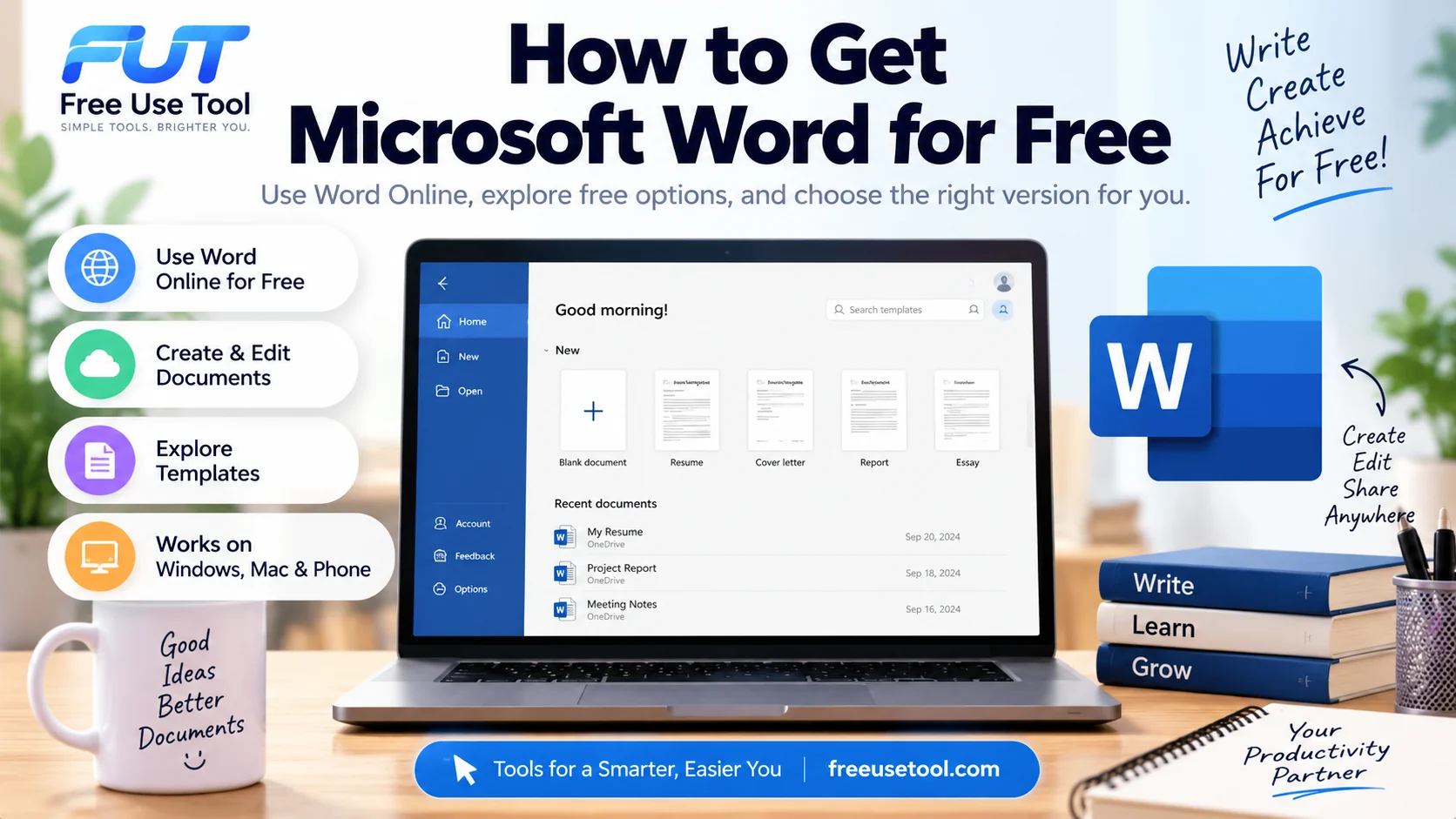
Quick answer: Yes, you can use Microsoft Word for free through Word for the web. The free online version lets you create, edit, save, and work with Word documents in your browser. If you need the full desktop version with additional features, Microsoft offers paid Microsoft 365 plans.
Is Microsoft Word Free? How to Get Microsoft Word for FreeIf you need Microsoft Word for school, work, a resume, or everyday documents, you may be wondering whether you have to pay for it. The good news is that there is a legitimate way to use Microsoft Word for free without installing the desktop application.
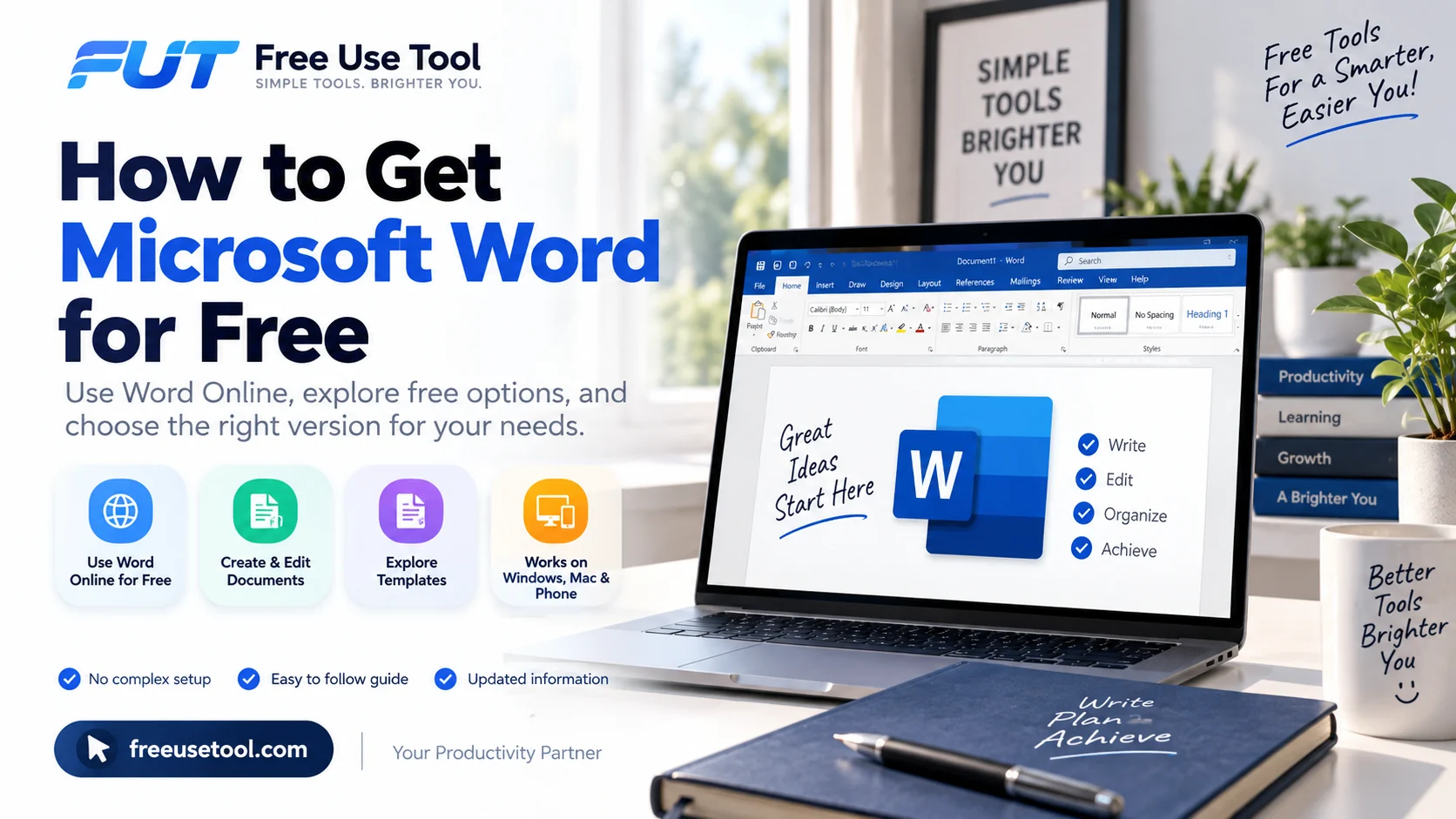
Microsoft provides a browser-based version called Word for the web. It gives you access to many of the features people use regularly, including creating documents, editing text, formatting content, and saving documents online.
This guide explains how to get Microsoft Word for free, how Microsoft Word Online works, when you may need Microsoft 365, and what options are available on Windows, Mac, and phones.
Is Microsoft Word Free?
Microsoft Word is available in both free and paid versions. The easiest free option is Microsoft Word Online, which runs directly in your web browser.
With the free online version, you can create and edit Microsoft Word documents, format text, work with basic layouts, and save your files online. You generally need a Microsoft account to use the online service.
The desktop version of Word is different. It is normally included with a Microsoft 365 subscription or certain paid Office products. The desktop application provides additional features that may not be available in the free web version.
How to Get Microsoft Word for Free
The safest way to get free Microsoft Word is to use the official web version rather than downloading an unofficial or modified copy.
- Open your web browser.
- Go to Microsoft's Word for the web service.
- Sign in with your Microsoft account or create one if necessary.
- Choose Word and create a new document.
- Start writing and editing your document online.
This is useful if you only need Word occasionally and do not want to install software on your computer.
How to Use Microsoft Word for Free Online
Microsoft Word Online works inside your browser, so you do not necessarily need the desktop application installed on your computer.
Word for the web is especially convenient for students, writers, job seekers, and anyone who needs to make a document quickly. You can start with a blank document or use one of the available templates.
The online version is also useful when you move between different computers because your documents can be stored online and accessed from supported devices.
Microsoft Word Online vs. Desktop Word
The main difference between Microsoft Word Online and the desktop application is the number of features available.
| Feature | Word for the Web | Desktop Word |
|---|---|---|
| Create documents | Yes | Yes |
| Edit documents | Yes | Yes |
| Basic formatting | Yes | Yes |
| Templates | Yes | Yes |
| Works in a browser | Yes | No |
| Advanced desktop features | Limited | More extensive |
For simple writing and document editing, the free online version may be enough. If you regularly use advanced formatting, specialized document tools, or other Microsoft 365 applications, a paid plan may make more sense.
Is There a Free Microsoft Word Download?
There is an important difference between Microsoft Word free download and using Word for free online.
You may find websites claiming to provide a completely free desktop download of Microsoft Word. Be careful with these websites because unofficial downloads can contain unwanted software, malware, or modified versions of the application.
If you want to use Word without paying, the safer choice is to use the official browser-based version. If you specifically need the desktop application, check Microsoft's current licensing options.
How to Download Microsoft Word
If you need the desktop application, you can download Microsoft Word through an eligible Microsoft 365 subscription or other legitimate Microsoft license.
The general process is:
- Sign in to your Microsoft account.
- Check whether your account has a Microsoft 365 or Office license.
- Open your Microsoft account or Microsoft 365 dashboard.
- Choose the option to install Microsoft 365 applications when available.
- Follow the installation instructions for your operating system.
Do not rely on websites offering cracked versions of Word. A legitimate installation is safer and gives you access to official updates and support.
How Much Does Microsoft Word Cost?
If you are asking how much Microsoft Word costs, the answer depends on the product and subscription available in your region.
Microsoft offers different Microsoft 365 plans, and some plans include Word along with applications such as Excel, PowerPoint, and Outlook. Prices and available plans can change, so check Microsoft's official website for the current options before purchasing.
If you only need basic Word functionality, the free web version may be a better choice than paying for a subscription.
What Is Microsoft Word?
Microsoft Word is a word-processing application used to create, edit, format, and share documents.
People commonly use Word for:
- School and university assignments
- Business reports
- Letters and applications
- Resumes and CVs
- Essays and research papers
- Meeting notes
- Professional documents
Word supports text formatting, tables, images, headings, page layouts, references, comments, and many other document features.
Microsoft Word 365: What Does It Mean?
Microsoft Word 365 usually refers to Word provided as part of the Microsoft 365 ecosystem.
Microsoft 365 is a subscription-based service that can include Word, Excel, PowerPoint, Outlook, OneDrive, and other services depending on the plan.
The important point is that Microsoft Word Online and Microsoft 365 are not exactly the same thing. You can use Word for the web for free, while Microsoft 365 provides additional applications and features through eligible plans.
Can You Use Microsoft Word for Free on a Phone?
Yes, you can use Microsoft Word on supported mobile devices. The available features can depend on your device, account, and Microsoft plan.
If you are searching for how to download Microsoft Word on a phone, use the official app store for your device and look for the official Microsoft Word application.
Avoid downloading APK files or modified versions from unknown websites. Official app stores are a safer way to obtain applications.
Can You Use Microsoft Word for Free on Mac?
If you have a Mac, you can use Microsoft Word for Mac through the desktop application if you have an eligible license or Microsoft 365 plan.
If you do not want to install the desktop application, you can also use Word for the web through a browser. This can be a convenient option when you only need basic Word functionality.
Can You Create a Microsoft Word Resume for Free?
Yes. You can create a resume using Word for the web without necessarily purchasing the desktop version.
Microsoft Word also provides resume templates that can help you create a professional-looking document without designing the entire layout yourself.
When creating a Microsoft Word resume template, keep the design simple and make sure your important information is easy to read. Your resume should clearly show your education, skills, experience, projects, and relevant achievements.
How to Check Word Count in Microsoft Word
Microsoft Word includes a built-in word-count feature that can show the number of words in your document.
Word can also provide information such as characters, paragraphs, and lines depending on the version you are using.
If you want to quickly check your text without opening Microsoft Word, you can also use our free Word Counter and Word Count Checker.
If you are working in Google Docs instead, see our guide on how to check word count on Google Docs.
Does Microsoft Word Count Hyphenated Words as One Word?
If you are wondering whether Microsoft Word counts hyphenated words as one word, the result can depend on how the words are written and how Word processes the text.
For important assignments, reports, or applications with a strict word limit, it is a good idea to check the final word count directly in the version of Word you are using.
Different writing tools can also interpret punctuation and hyphenated expressions differently, so do not assume that every word counter will produce exactly the same result.
How to Turn on Dark Mode in Microsoft Word
Microsoft Word includes appearance options that can make working at night more comfortable.
If your version of Word supports dark mode, open the application's settings or account options and look for the Office theme or appearance settings. The exact location can vary between Word versions and operating systems.
If you are searching for how to change Microsoft Word to light mode, you can similarly change the Office theme through Word's settings when that option is available.
How to Double Space in Microsoft Word
Double spacing is commonly required for essays, academic assignments, and manuscripts.
To double-space text in Word:
- Select the text you want to change.
- Open the paragraph or line-spacing options.
- Choose double spacing.
- Apply the change to the selected text.
You can also adjust paragraph spacing and other formatting options if your assignment has specific requirements.
How to Delete a Page in Microsoft Word
If you are also searching for how to delete a page in Microsoft Word, the method depends on what is creating the extra page.
An empty page may be caused by extra paragraph marks, page breaks, section breaks, or content extending onto another page.
Start by displaying formatting marks if necessary. Then check for unnecessary paragraph marks or a page break and remove the unwanted formatting.
If the page contains text or other content, select the content you no longer need and delete it. Be careful with section breaks because removing one can change the formatting of surrounding pages.
Which Microsoft Word Option Should You Choose?
The best option depends on what you actually need.
- Need basic writing? Try Word for the web.
- Need to edit documents occasionally? The free online version may be enough.
- Need advanced desktop features? Consider an eligible Microsoft 365 plan.
- Need Word on multiple devices? Check which Microsoft 365 option fits your devices and usage.
- Only need a quick word count? Use a dedicated online word counter.
Free Microsoft Word: What You Actually Need to Know
You do not necessarily have to pay to use Microsoft Word.
The most straightforward free option is Microsoft Word Online, which lets you create and edit documents in your browser. It is a practical choice for students, writers, job seekers, and anyone who does not need the full set of desktop features.
If you need the complete desktop experience, Microsoft 365 provides access to additional features and applications through its paid plans. The right choice depends on how often you use Word and which features you need.
Frequently Asked Questions
Is Microsoft Word free?
Microsoft Word has a free web version that you can use in a browser. The desktop version generally requires an eligible license or Microsoft 365 plan.
How can I get Microsoft Word for free?
You can use Word for the web through Microsoft's online service. Sign in with a Microsoft account and create or edit documents directly in your browser.
Can I use Microsoft Word online for free?
Yes. Word for the web provides free access to basic Word document creation and editing features through a browser.
Is there a free Microsoft Word download?
The free option is primarily the web version. Be cautious of websites offering unauthorized or modified Word downloads. Use Microsoft's official services for legitimate software.
How much does Microsoft Word cost?
The cost depends on the Microsoft product or Microsoft 365 plan you choose. Microsoft offers different plans, and prices can change over time and by region.
Can I use Microsoft Word without Microsoft 365?
Yes. You can use the free web version of Word without purchasing a Microsoft 365 subscription.
Can I use Word for free on a Mac?
Yes. You can use Word for the web on a Mac through a browser. The desktop Mac application requires an appropriate Microsoft license or subscription.
Can I use Word for free on my phone?
Microsoft provides Word for supported mobile devices. Available features can vary depending on your device and account.
How do I check word count in Microsoft Word?
Microsoft Word has a built-in word-count feature. You can also use our free Word Counter to quickly count words, characters, sentences, paragraphs, and other text statistics.
Related Free Use Tool Guides
If you regularly work with documents and writing, these guides may also help:
- Free Word Counter & Word Count Checker
- How to Check Word Count on Google Docs
- How Many Words Is a 5-Minute Speech?
Final Answer
Yes, you can use Microsoft Word for free. The easiest option is Word for the web, which lets you create, edit, and work with Word documents directly in your browser.
If you need advanced desktop features, offline functionality, or the complete Microsoft Office experience, you may want to consider Microsoft 365. For occasional writing and basic document work, however, the free online version can be more than enough.
When you need to check the length of your document, you can also use our free Word Counter to instantly check your word and character counts.
Comments
Sign in to join the conversation.
Sign InBe the first person to start the conversation.